
In this article
One mistake I see with Tarana wireless troubleshooting is focusing on a single number. A good RSSI does not guarantee a healthy connection. A high SNR does not guarantee maximum throughput. The useful troubleshooting information comes from looking at several counters together and understanding how they affect each other. With Tarana, there are several things to look at when troubleshooting a customer.
Start with Signal Strength
RSSI is usually the first statistic everyone checks because it tells you how much signal the subscriber is receiving from the access point. A weak RSSI can limit the modulation rates the radio is able to use. Lower modulation means fewer bits transmitted during each airtime opportunity, which directly reduces throughput. A strong RSSI by itself is not enough to declare the link healthy. A customer may have an excellent received signal while interference prevents the radio from passing packets correctly.
Signal-to-Noise Ratio (SNR)
SNR measures how much stronger the signal is compared to the surrounding RF noise. A customer may have a strong signal, but if nearby devices raise the noise floor, the radio still has difficulty dealing with things. As SNR drops, the radio falls back to lower modulation. Throughput decreases, and retransmissions increase because packets require additional airtime before they are delivered successfully.
I look at SNR and RSSI with the analogy of music at a concert. The music might be loud, and you hear the bass (signal strength), but you cannot quite hear the lyrics over the crowd (SNR).
Watch the Modulation Rate
Higher modulation schemes move more data during each transmission opportunity. When interference or poor signal quality increases, the radio automatically shifts to more resilient modulation that carries less data. Think of this as a normal conversation. The noisier it gets, the slower you have to speak in order to be understood.
Watching the MCS value over time often tells a better story than looking at a single speed test. If the modulation constantly moves up and down, the radio is adapting to changing RF conditions instead of operating on a stable link. As with most modern radios, Tarana continuously adjusts its modulation based on current RF conditions.
Retransmissions
Every retransmission consumes airtime that could have carried new customer traffic. A few retransmissions are normal on any wireless network. Large numbers usually indicate that something is causing issues, such as interference, poor alignment, multipath reflections, or changing propagation conditions. If throughput drops while retransmissions increase, the problem is probably not the specific customer.
Sector Utilization
Even good subscriber links begin slowing down if every customer is active during peak hours. The radio spends more time scheduling transmissions because more packets are waiting to be sent. Sector utilization helps determine whether the problem belongs to one subscriber or every customer sharing that sector.
This is simply an overall capacity thing. The CPU of the radio factors into this as well as the channel width of the frequency. The number of customers on the sector is important, but their usage habits are also more important. One hundred customers all checking email will perform better than 25 customers using their connection 100% of the time.
Comparing Different Customers
One of the fastest troubleshooting methods I use is comparing two subscribers on the same access point. If one customer has poor SNR and low modulation while other subscribers have healthy stats, the problem is probably limited to that customer, not the rest of the AP. It may be antenna alignment or something localized to the customer.
If every customer on the sector experiences the same degradation, start investigating the access point or the network as a whole. It could even be water in the lines between the radios and the antennas. Always look at the physical layer, especially in wireless.
Historic Data
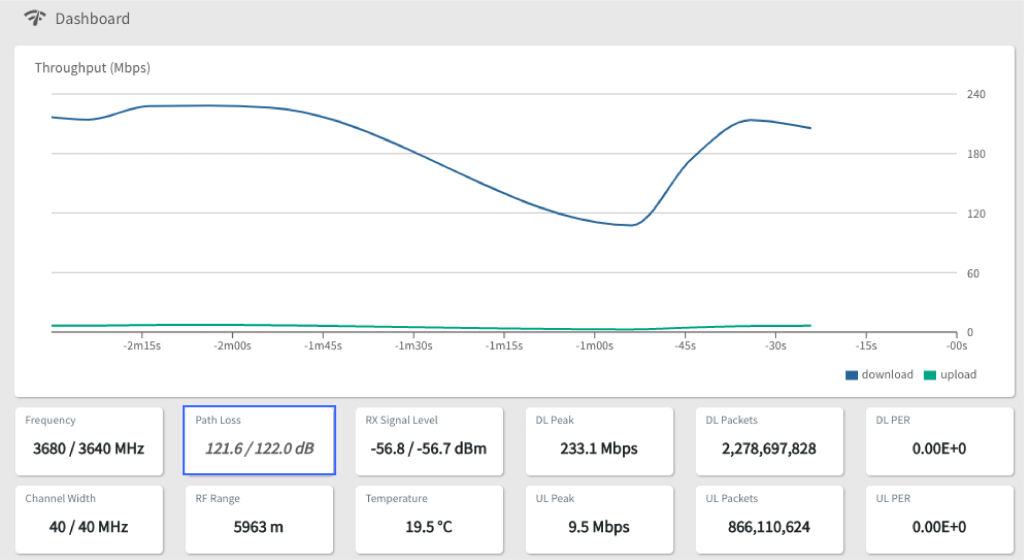
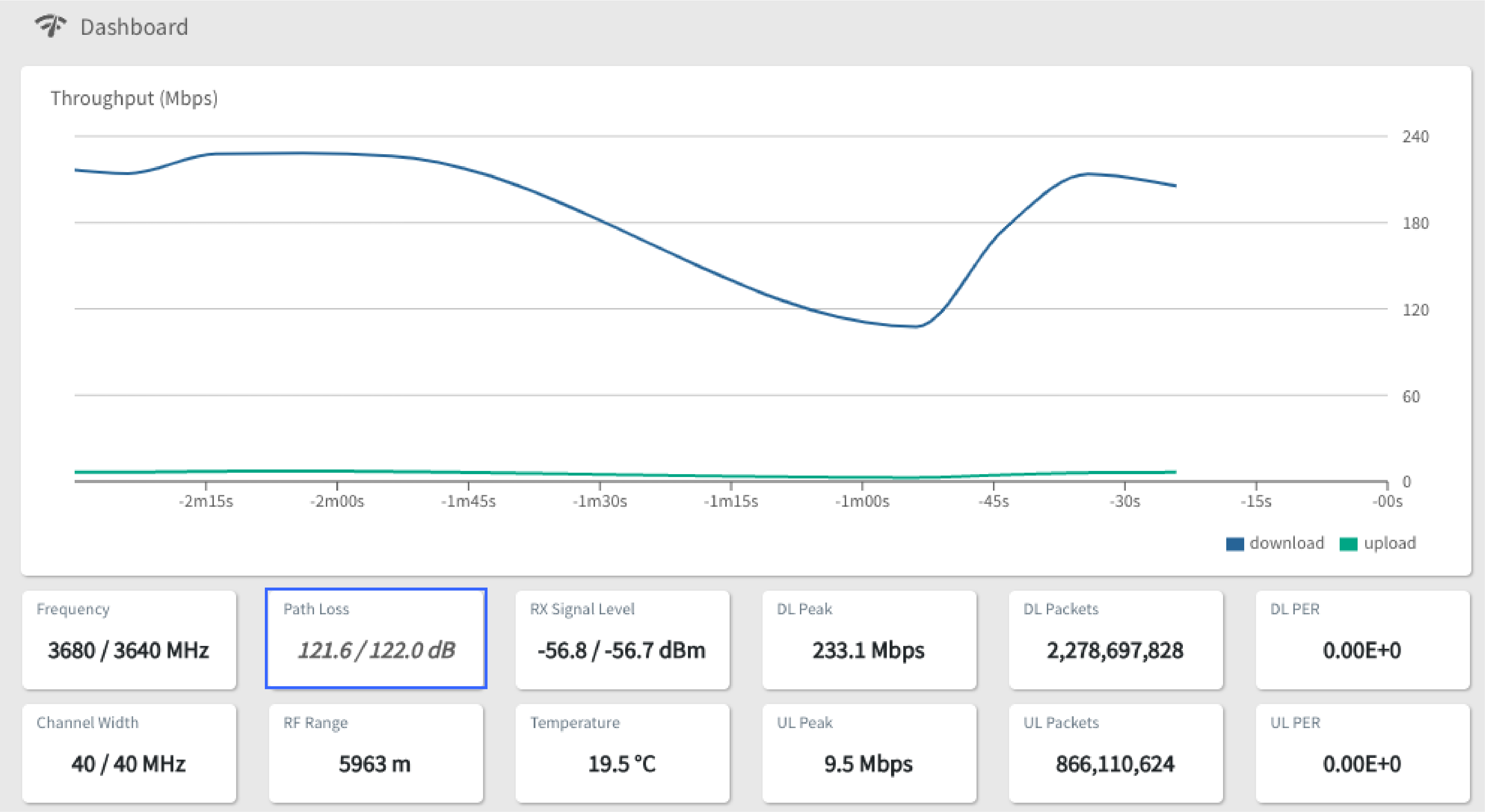
Performance graphs collected over several days often reveal patterns that are impossible to see during a support call. Throughput may decrease every evening. Retransmissions may spike only during rain. Modulation may fall whenever a neighboring wireless system becomes active. A speed test only tells you what happened during a few seconds. Those trends help determine whether you are looking at a customer installation problem or a capacity problem affecting the entire sector.
The Tarana cloud has a great deal of statistics you can use to compare the current state of the connection against recent history.
The Rest of the Network
Not every slow wireless customer has a wireless problem. Things such as overloaded backhauls or poor peering can produce customer complaints that look identical to RF issues. I like to start with the Tarana statistics because they quickly tell me whether the radio is doing its job. If the RF link looks healthy, I move on to the rest of the network.
Congested backhauls or saturated Internet transit can increase latency after the packet leaves the wireless sector. Overall network health can be most apparent at the customer level, which is where the customer usually notices the problem first.
j2networks family of siteshttps://j2sw.com
https://startawisp.info
https://indycolo.net
#packetsdownrange #routethelight
Discover more from Justin Wilson (j2sw)
Subscribe to get the latest posts sent to your email.