

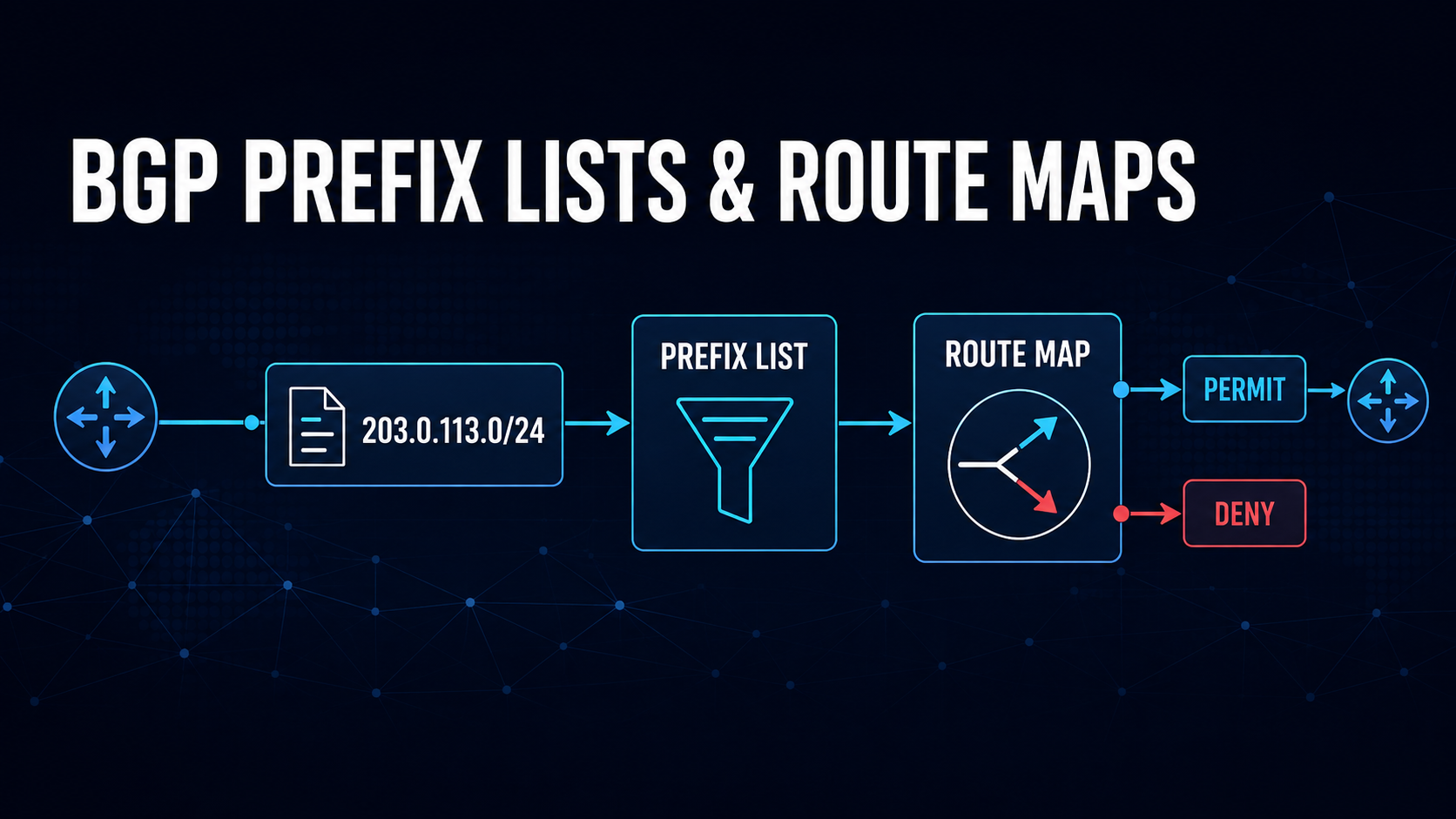
In this article
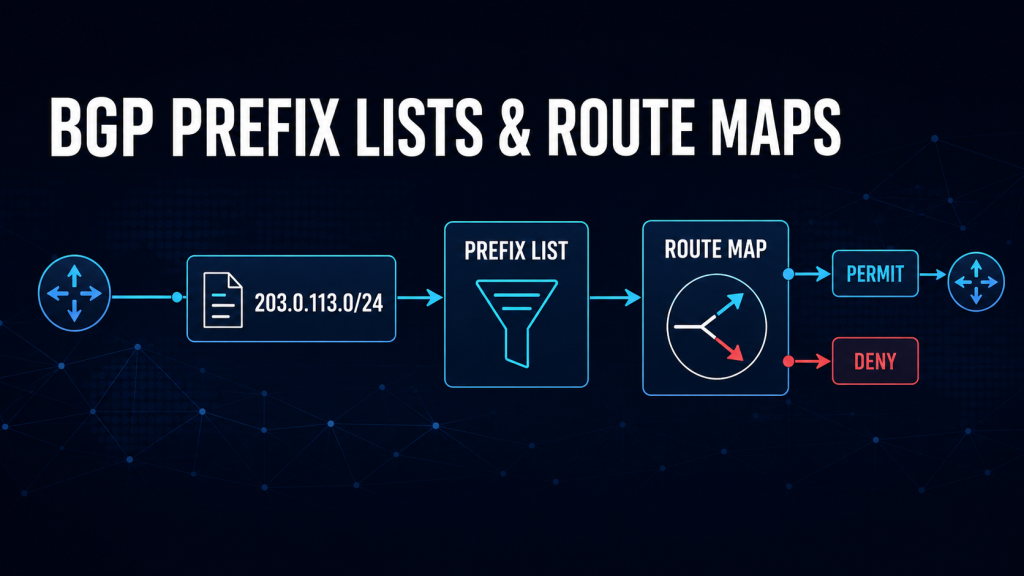
One of the most misunderstood things I see is the use of route maps and prefix lists. As with most network engineering, there are different ways to accomplish the same thing. Here is a quick way to remember the differences.
- Prefix list = match Ip blocks/routes/Prefixes (what is allowed or targeted)
- Route map = actions (permit, deny, or modify attributes)
Keeping this separation makes your BGP filters easier to change and understand. I will go into in-depth examples and explanations in this post. This post is very Cisco-heavy. The same logic can be applied to other vendors. In future posts, I will duplicate this with other platforms such as Arista and MikroTik.
Prefix List
A prefix list defines which routes to match. It does not permit or deny traffic by itself. Think of this as a list of IP subnets and prefixes.
Each entry matches a specific prefix and, optionally, a prefix-length range. For example:
ip prefix-list AS65001-CUSTOMER-PREFIXES seq 10 permit 203.0.113.0/24
ip prefix-list AS65001-CUSTOMER-PREFIXES seq 20 permit 198.51.100.0/24
This list matches only those exact prefixes. A more-specific route like 203.0.113.0/25 does not match unless a range is explicitly defined.
Every prefix list has an implicit deny at the end. If a route does not match a permit statement, it simply does not match the prefix list.
Using the Prefix List in a Route Map
The route map uses the prefix list as a match condition. The route map then decides the action.
route-map CUSTOMER-IN permit 10
 match ip address prefix-list AS65001-CUSTOMER-PREFIXES
Here:
- The prefix list determines match eligibility
- The route map determines the action (permit in this case)
If a route matches the prefix list, it is permitted by sequence 10. If it does not match, it does not hit this sequence and evaluation continues to the next route-map entry.
Route Map Sequence
Route maps are processed in ascending sequence order (lowest number first). The common method is to start with 10 and increment by 10. I typically do 10, 15, 20, and so on. Each route is matched against each sequence until a match occurs.
Things to keep in mind:
- Sequences are evaluated top-down by sequence number
- The first match wins
- Once a route matches a sequence, no further sequences are evaluated
- If no sequence matches, the route hits the implicit deny at the end of the route map
This makes sequence design something to think about. A poorly ordered route map can cause you all kinds of issues.
Example
route-map AS65001-CUSTOMER-IN permit 10
 match ip address prefix-list CUSTOMER-PREFIXES

route-map AS65001-CUSTOMER-IN deny 20
 match ip address prefix-list BLOCKED-PREFIXES

route-map AS65001-CUSTOMER-IN permit 30
The process:
- Sequence 10 is checked first
- If it matches, the route is permitted immediately.
- No further evaluation occurs.
- If there is no match, sequence 20 is evaluated
- If it matches, the route is denied immediately.
- If there is still no match, sequence 30 is evaluated
- It acts as a fallback permit.
- If nothing matches, the route reaches the implicit deny at the end.
Important
Because of first-match behavior:
- A broad permit early in the route map can override later deny rules. Remember, the first match wins and nothing is evaluated after it.
- Deny rules must be placed before general permit rules.
Safe Default Route-Map Pattern (Recommended)
A safe design explicitly defines:
- What is denied
- What is allowed
- A final catch-all decision
This prevents accidental route drops and avoids relying on that implicit deny at the end.
Recommended Pattern
route-map AS65001-CUSTOMER-IN deny 5
 match ip address prefix-list BLOCKED-PREFIXES

route-map AS65001-CUSTOMER-IN permit 10
 match ip address prefix-list AS65001-CUSTOMER-PREFIXES

route-map AS65001-CUSTOMER-IN permit 100
Why This Pattern Is Safe
- Sequence 5 (deny first): Ensures known-bad prefixes are always blocked. This also saves on CPU and route table space. Drop things from the start.
- Sequence 10 (permit specific): Allows only explicitly approved routes. This gives you better control over things.
- Sequence 100 (catch-all permit): Prevents accidental full-table drops if new prefixes are added later. The downside is that you might accept more than needed. This is okay if you are looking to be a little safer in what you accept.
Strict Pattern (More Secure)
If you are looking to lock things down a little more, this example is for you. You can use this on sessions facing customers or facing the capital-I Internet.
route-map AS65001-CUSTOMER-IN deny 5
 match ip address prefix-list BLOCKED-PREFIXES

route-map AS65001-CUSTOMER-IN permit 10
 match ip address prefix-list CUSTOMER-PREFIXES

route-map AS65001-CUSTOMER-IN deny 100
This example does the following:
- Only explicitly allowed prefixes are accepted
- Everything else is explicitly dropped
Applying the Route Map to the BGP Neighbor
An inbound route map is applied to routes received from a neighbor. It controls what enters the local BGP table on your router.
router bgp 64500
 neighbor 192.0.2.2 remote-as 65001
 neighbor 192.0.2.2 description AS65001-CUSTOMER-NAME
 neighbor 192.0.2.2 route-map AS65001-CUSTOMER-IN in
How this works:
- Route is received from the neighbor
- Route map is evaluated in sequence order
- First matching sequence determines the action
- Route is either accepted or dropped
Example behavior:
203.0.113.0/24→ matches sequence 10 → permitted10.0.0.0/8→ no match → falls to final sequence or implicit deny → dropped
Outbound route maps follow the same logic but apply to advertised routes.
Allowing More-Specific Routes
Prefix lists can define both what matches and how specific it can be using le and ge. These keywords control the prefix lengths that a prefix-list entry will match.
gemeans greater than or equal to. It sets the minimum prefix length.lemeans less than or equal to. It sets the maximum prefix length.
ip prefix-list CUSTOMER-PREFIXES seq 10 permit 203.0.113.0/24 le 28This matches:
203.0.113.0/24- Any more-specific route up to
/28
To restrict ranges:
ip prefix-list AS65001-CUSTOMER-MORESPECIFICS seq 10 permit 203.0.113.0/24 ge 25 le 28This ensures only /25 through /28 are accepted. Some of you will say most providers only accept /24s and larger. This is true. I have used /25 through /28 as an example.
Blocking some Routes While Permitting the Rest
In a deny-based route map, prefix lists still define match conditions, and route maps define actions. In the example below, a prefix list named BLOCKED-PREFIXES has been created. This can be an almost dynamic list because you are adding or removing prefixes to it, and that is it.
ip prefix-list BLOCKED-PREFIXES seq 10 permit 192.0.2.0/24

route-map AS6939-TRANSIT-IN deny 10
 match ip address prefix-list BLOCKED-PREFIXES

route-map AS6939-TRANSIT-IN permit 20
How this works:
- Sequence 10 denies matched prefixes
- Sequence 20 permits everything else
- Implicit deny is avoided by the final permit
Setting BGP Attributes for Selected Prefixes
Route maps can match and modify attributes in the same sequence. In the following example, we are setting local preference to 200 for anything in the PREFERRED-ROUTES prefix list. this can be also be used to do things like apply communities and change other attributes.
ip prefix-list PREFERRED-ROUTES seq 10 permit 203.0.113.0/24

route-map AS6939-TRANSIT-A-IN permit 10
 match ip address prefix-list PREFERRED-ROUTES
 set local-preference 200

route-map AS6939-TRANSIT-A-IN permit 20
Verify It Works
Prefix-list counters show match activity. Route-map counters show sequence hits.
show ip prefix-list AS65001-CUSTOMER-PREFIXES
show route-map AS65001-CUSTOMER-IN
show ip bgp 203.0.113.0/24
show ip bgp neighbors 192.0.2.2 received-routes
Outbound verification:
show ip bgp neighbors 192.0.2.2 advertised-routesReprocessing After a Change
Changes require things to be reprocessed:
clear ip bgp 192.0.2.2 soft inThis forces:
- Prefix-list reevaluation
- Route-map reprocessing
- An update to the BGP table
Again, this command is specific to Cisco and Cisco-like command lines.
Common Pitfalls
1. Implicit Deny Behavior
Both prefix lists and route maps end with implicit deny behavior. Without a final permit sequence, routes can be dropped by mistake. Many platforms are like this.
2. Missing Final Route-Map Permit Sequence
Without a catch-all:
route-map CUSTOMER-IN permit 10
 match ip address prefix-list CUSTOMER-PREFIXES
Everything else is dropped.
Safe fix:
route-map CUSTOMER-IN permit 1003. Sequence Order Mistakes
Because of the first-match behavior:
- A broad permit early can override later deny rules
- Deny rules must always be placed first when both exist
4. Prefix-Length Mismatches
Incorrect ge/le usage leads to unexpected filtering.
Takeaways
- Route maps are evaluated from the top down by sequence number
- The first matching sequence is applied immediately
- Prefix lists only define what to match, not policy actions
- Route maps enforce policy
- A safe design always includes:
- Explicit deny rules first
- Specific permits next.
- A final catch-all rule to prevent accidental drops
https://j2sw.com
https://startawisp.info
https://indycolo.net
#packetsdownrange #routethelight
Discover more from Justin Wilson (j2sw)
Subscribe to get the latest posts sent to your email.