
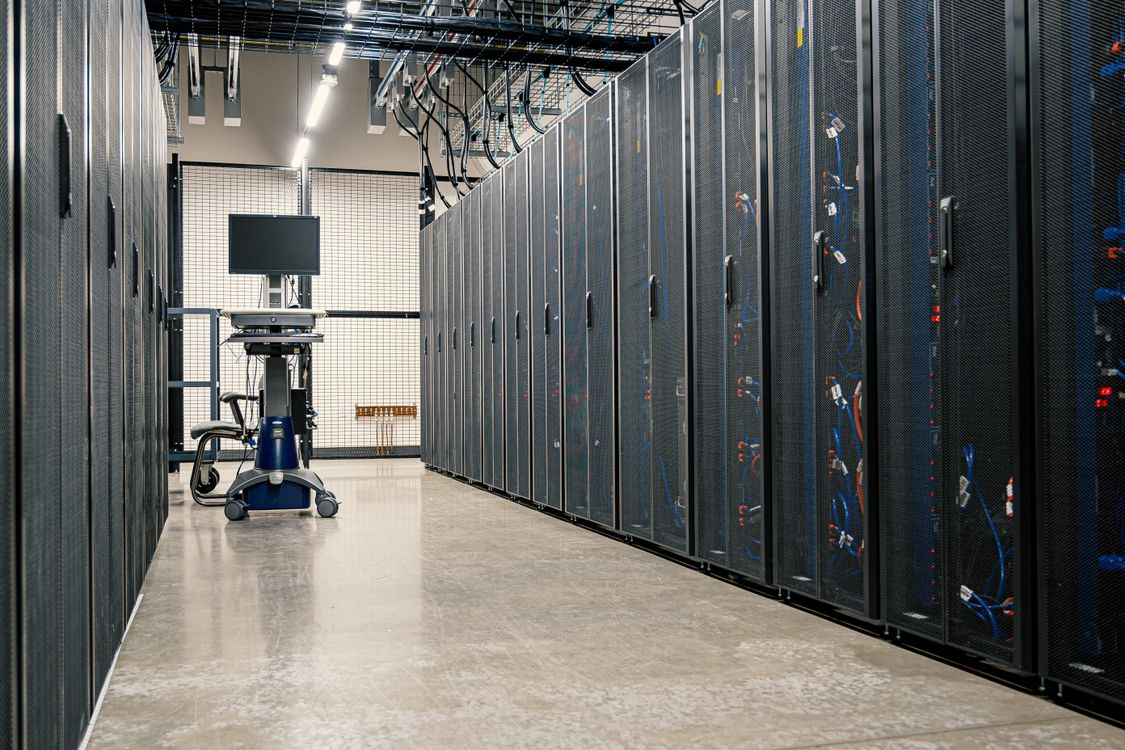
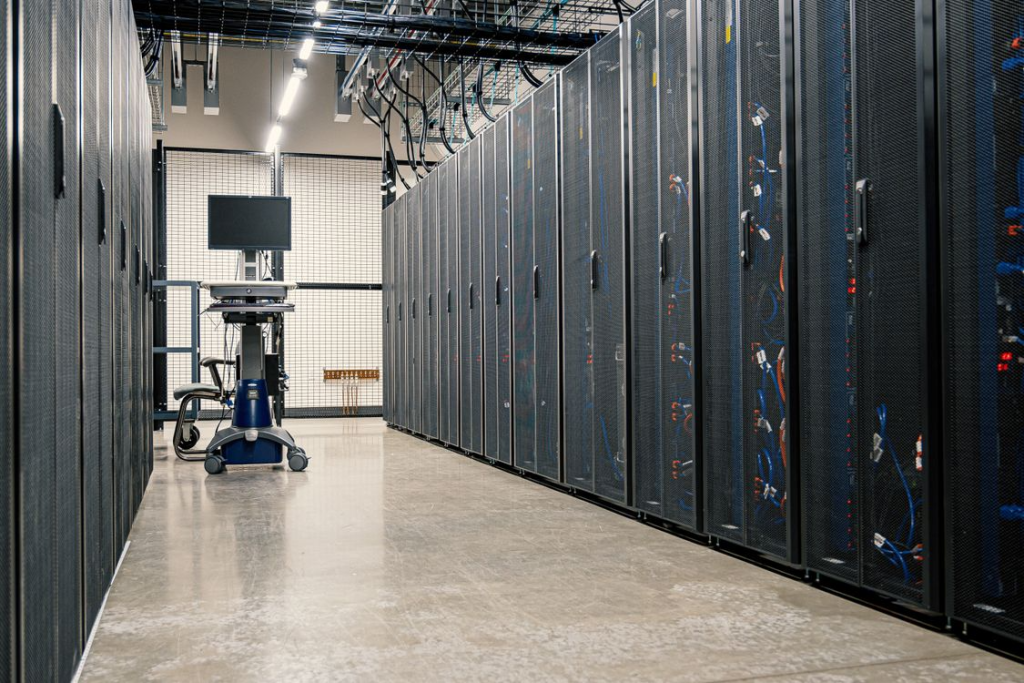
A good Data Center makes your life easy. A bad one adds delay to every part of the experience. In this article, I will talk about what I think makes a good data center vs a bad one, mainly at some surface level things.
Power
Power is always the topic of discussion during sales presentations and tours. If you are an engineer, feel free to dive into load specs, fuel capacity, etc. I just want to know if the DC has true A/B power and what the redundancy rating of your systems are. Is the UPS n+1? Same for the generators. Beyond that, I don’t need to get into the nitty-gritty. Does the facility provide PDUs? What type of power is standard with which plug type? These are typical questions I ask instead of generator fuel capacity. Those things are nice to know, but secondary to me.
Cooling
Cooling is another one of those things I rarely worry about because I am not the building operator. What I worry about is monitoring my own gear for temperature spikes to be proactive about it. This means I monitor intake temps and fan health. Things such as cable management can impede airflow, so I am mindful of that. Things like hot and cold aisles can matter to me but not always
If I walk into a building and it seems hot, I may ask some questions, but beyond that, as long as my gear is “feeling” good airflow, I am happy.
Carriers
Knowing which carriers are in the building is a good start. The DC should encourage all carriers and tenants to list themselves on peeringdb. Not everyone has an ASN, though. The DC should regularly ask tenants if they can use their logos and information on their own website to say who is in the facility.
Does the DC support neutral Interconnection? This is skewed for me because I am an IXP operator. I look for such things. The deeper meaning is that if the DC has a neutral exchange, it often means their business practices are more flexible in terms of services offered. Some DCs want to sell you THEIR bandwidth and THEIR bandwidth only. This isn’t a bad thing but good to know.
Knowing who is in the facility is not enough. I want to know where the carrier enters the building and how it’s routed all the way through. When evaluating true redundancy, this information is critical. Does carrier A come up the same riser as Carrier B? Do they come into the building at the same entrance? The carriers do not always know this information, even though they should. The DC should have personnel who are familiar with this information. Sometimes this is information that needs to be curated by the staff themselves. Things change with mergers and just plain time. Gathering all of this information can be a very valuable asset to both sales and engineering.
Cross-Connects
Cross-connects are one of the things I spend the most time dealing with. Automation and AI are helping with this, but it is still a process. You have to generate LOAs, coordinate with both the Data Center and the Other side, as well as physically hook it up. All of these require physically touching something. Paper, optics, cables. A facility that can make this easier gets points. This is especially true if the data center is a few states away, or even on a different continent.
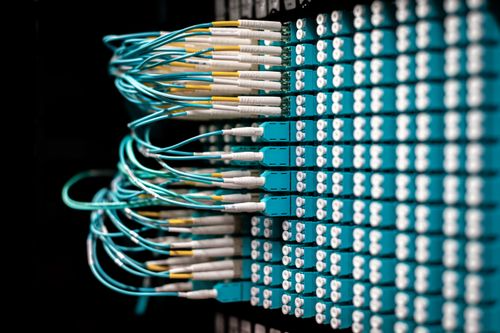
As more and more Data Center companies monetize cross-connects, I am expecting more out of the DC. I expect faster turn-up times. I also expect more hand-holding as part of the service. If you are charging me a setup fee I am expecting you to help me coordinate things such as rolling pairs and hooking up light meters.
Cabinets
Cabinets are often overlooked parts of a deployment. If the facility provides a cabinet, is there sufficient space for your servers or gear? You have to worry about servers and fitting in cabinets. I have been brought in on jobs where I showed up and the server rails would not fit because the cabinet is too short. The argument can be made that all of the details should be taken into account. In the real world, that is not always the case. I will get into this more in-depth in future series.
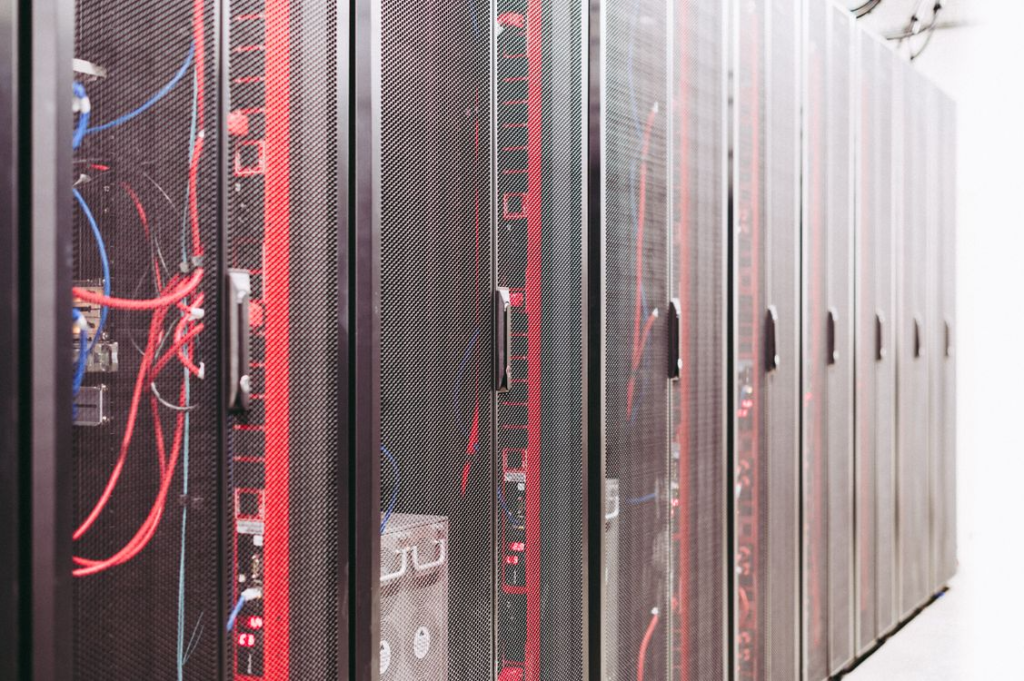
Remote Hands and Staff
Remote hands matter a lot more when the site is across the country or even a few hours away. If I ask someone to check an optic, I need more than “it looks fine.” I need to know what port they checked, what the label says, and whether the link light changed after they reseated it. That kind of detail can save a truck roll when the problem is a bad SFP. Remote hands are most valuable to me during cross-connect turnups.
Having readily available “crash-carts” are helpful for when I am on-site. Not having to lug a keyboard and monitor into the building is a big plus. Even if I have to open up a ticket to get one to me that is acceptable.
Data Center Transit
A plus is if the data center offers some sort of out-of-band or transit product for a lower cost. If I lose the normal path into a router, I still want a way to get to the console or power cycle a device. I need a way back into the gear without having to buy a full-blown transit connection from a carrier or ISP. Often, a 10 meg connection is plenty. If the DC can include that as part of a service, even better.
Security
Security matters, but it has to work when stuff hits the fan. The process has to work at 2 a.m, on a Saturday, when a circuit is down, and someone needs to swap an optic. If the right person cannot get to the equipment, the access process starts adding time to the outage. I am not necessarily concerned about the facility being staffed 24/7. I am concerned that my badge not working at that 2 a.m. time. If it doesn’t work, is there a backup plan that the staff, whether local or remote, can get me in? I have been in that situation several times.
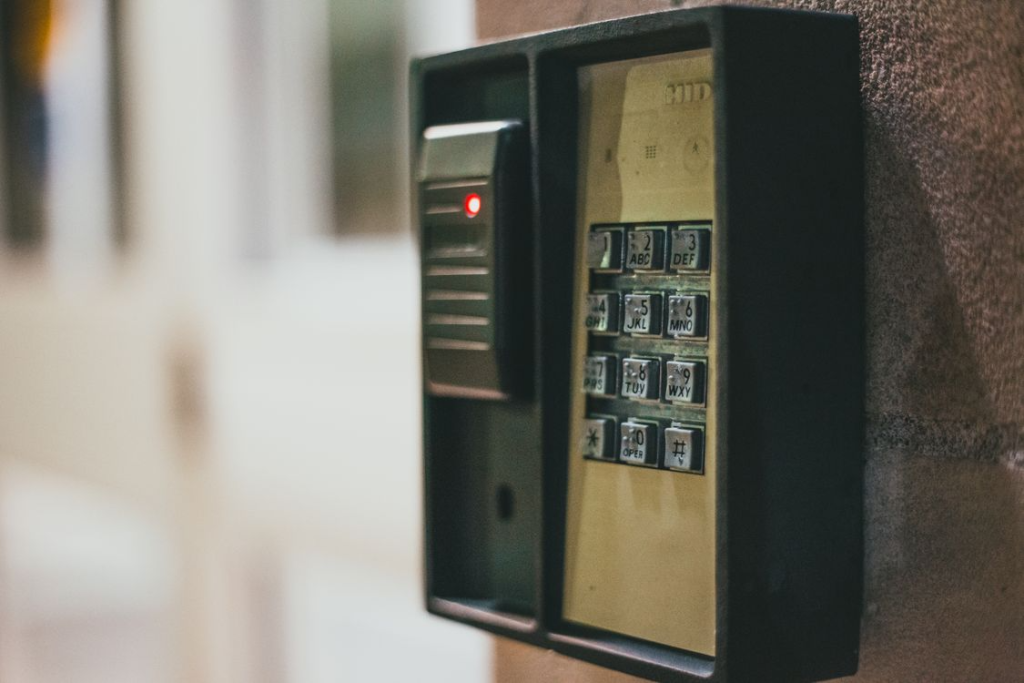
The biggest thing that matters to me, and I am in a smaller group of folks, is clear procedures on access. I have probably 15 Data Center badges from 10 different companies. If I walk into a facility, do I hit # after I enter a pin or not? They may have the same keypad as a different data center but the procedure is different. Do I hold the card up to the reader until the light changes? Or does the light only change after I successfully enter my PIN? I have been in facilities where security is helpful and others where I was afraid I would be tasered if I breathed wrong.
Security is usually the folks I deal with the most. They escort me to places in the facilities that require it. Sometimes they are ones who remind me which floor I need to go to because it’s been a year since I visited.
These are just a few of the many things which stand out as Data Center things which can make or break a facility.
j2networks family of siteshttps://j2sw.com
https://startawisp.info
https://indycolo.net
#packetsdownrange #routethelight
Discover more from Justin Wilson (j2sw)
Subscribe to get the latest posts sent to your email.