
Anyone who has been to a data center has run into the problem of not having the correct tool. In this article, I discuss various tools you should have, the philosophies behind them, and a materials list if you wish to purchase any or all. This list is aimed at the Engineer or technician who does not rack and stack or run cables in a data center on a daily basis. Those groups have their own carts and sets of tools.
The goal of these lists is to have every piece of equipment vetted for space and weight. You do not want to be carrying everything around with you. At the same time, data centers can be a pain to get in and out of. Usually, it’s a long drive to get there. You don’t want to have to make multiple trips.
For any data center trip, I believe you should be thinking of the following:
Carry Bag
This has the most common tools you would use. These are tools either in your laptop bag or a smaller bag you always carry with you. This should account for much of your break-fix. These are the things you can use to do most of what you need to do from a break-fix standpoint.
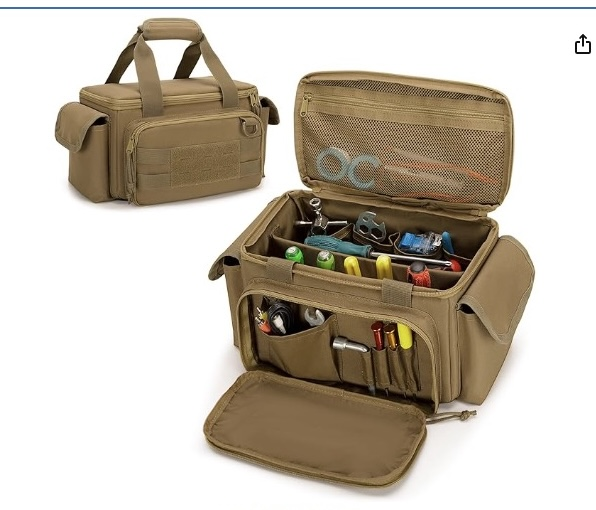
Go Bag
The go bag is something you throw in your car when you go to the Data Center. You may or may not bring this into the data center unless needed. At least it is not two hours from home. Plus, it gives you a chance to take a break if you need something from it. We all need to drink more water, so a trip out to the vehicle to grab some might be the mind-clearing break you need. I did a previous post about my Go Bag here.
Project Bag
This is specific to your task, unless it’s a break-fix situation. This is where you have prepared a Scope of Work and compiled a Bill of Materials List. Some examples of this are things you might have in other bags but that require installing a piece of equipment or completing a task. Think of it as consumables for the project, along with any specialized tools. My project bag is normally a tote or box I can throw things in as they are delivered or found. I just grab the tote and run through the checklist if I want to be extra diligent.
The Data Center Box
I call this a trap, not because it is bad, but because it can cause you grief if you don’t do a few certain things. Each of your data center locations should have a box containing consumables and backup tools. The gotcha is you don’t want to have to depend on this to get stuff done. This is for another article. For now, a backup screwdriver, some tape, some velcro, some rackstuds or screws, and a sharpie will do.
The Carry Bag
As mentioned earlier, the carry bag is something you always have with you. In my case, everything in my carry bag is inside my laptop bag. I always have my laptop bag with me. My laptop bag is SwissGear 1900.
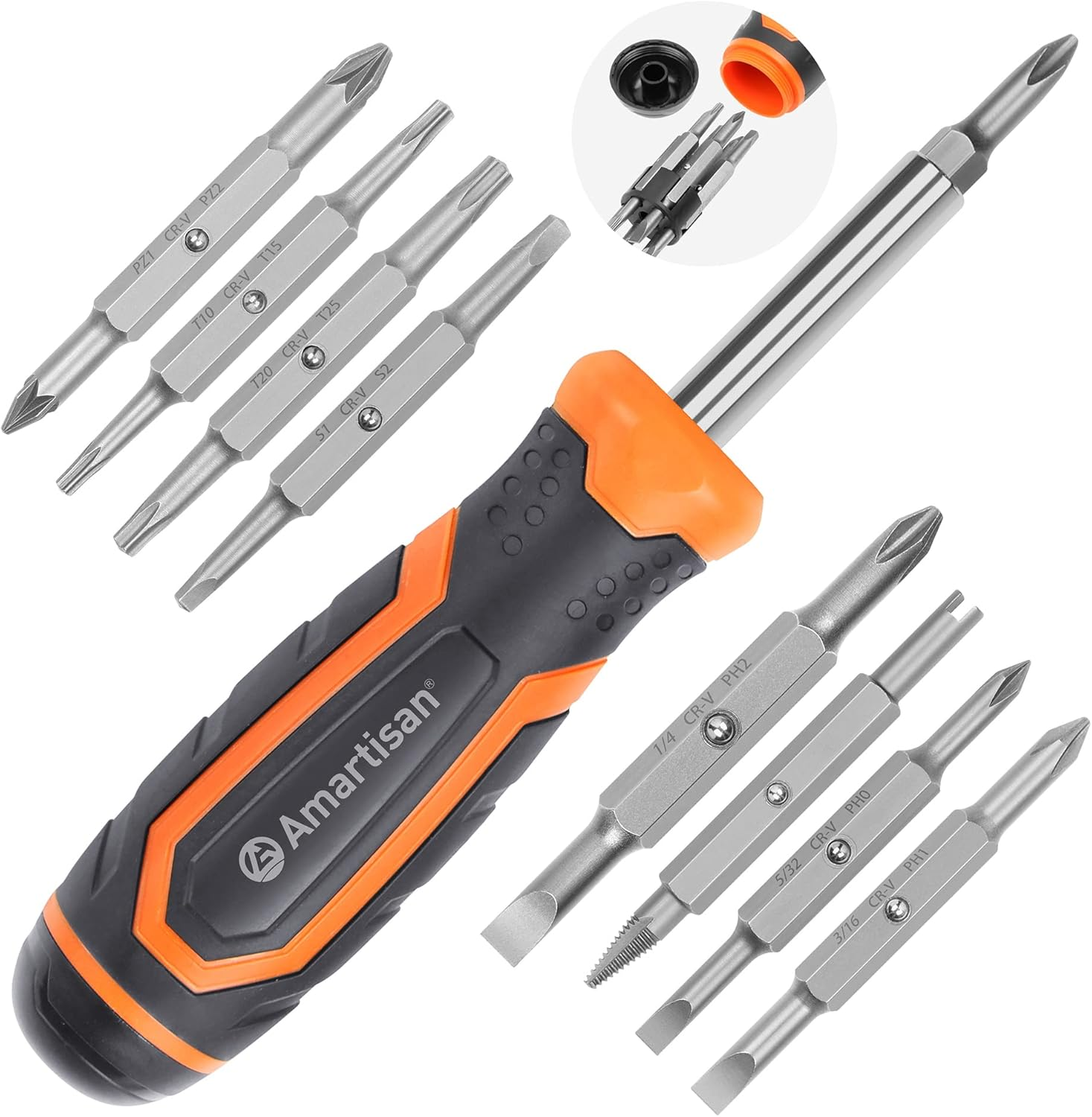
1. A good multi-bit screwdriver
Multi-bit screwdriver
Tool brands are very debatable. My goal with this is to have a tool that is easy to carry but offers the most flexibility. This one has slotted, Phillips, Torx, and others.
2. Fiber Pen Cleaner
A fiber Pen cleaner
I have seen that the fiber from the factory needs cleaning. I have gotten into the habit of cleaning a connector before I plug it in, whether it is a new cable or not.
3. A small container of optics
Optics go bad. Optics can be questionable. Having a couple of 1310 SFP+ and a 1-Gig copper RJ45 can save on troubleshooting. If you use other types, make sure to have a spare or two handy.
4. Console Cable
USB-C to RJ45 Console
USB-C to Serial
The type of cable depends on your laptop. My MacBook has USB-C, so I carry a USB to RJ45 console. I also carry a USB-C-to-serial adapter for those rare 9-pin devices.
5. Headlamp and flashlight
Lepro Headlamp
Pen Flashlight
Let’s face it your phone camera is bulky and awkward. A dedicated hands free light for working and a small flashlight for pinpoint light is helpful.
6. Pen and Sharpie
Pilot Gel Pens
Sharpie
I am a pen snob, so take my recommendations with a grain of salt. A tradeshow pen you pickup will do just fine.
7. Notebook
Notebooks don’t run out of batteries. Notebooks are easy to pass around. Notebooks are less stress to write in than switching between apps.
8. 2x lc-lc 3 meter cables
If you work with fiber, always have a few for those moments when the cable might be an issue.
9. 2x SC-LC 3 meter cables.
I carry a few of these for a coupel of reasons. First, several data centers use SC in their panels. Second, my Light Meter uses SC for its connector.
10. 10 foot ethernet cable.
You should have this for your laptop anyway. This can be used for quick troubleshooting between devices without undoing any cable management. There have been many times I have “sacrificed” my cable to get something up and going while I locate another cable.
11. USB-C cables and Battery Bank
OHOVIV Battery Bank
USB-A To USB-C
USB-C to USB-C
You want to be able to charge all of your stuff. I have worked hard to buy things with USB-C only connectors.
12. Roll of Hook and Loop fasteners.
1/2 Inch roll
One of the things I do is save all the little Hook-and-Loop strips that come with many of the Fiber Store Items. I would call it Velcro but Velcro is a name brand. I personally like the smoother fasteners, not the cheaper, more “fuzzy” ones. Some folks prefer zip ties, but I prefer hook-and-loop. If you buy the above roll simply precut some strips that are 3-4″ long to save time.
13. Noise-canceling headphones
-Best Beats Studio pro
-Budget Amazon Basics Hybrid
This is a must for data center work. At the very least, carry some earplugs. Any amount of time spent in a data center, and your body will appreciate a good over-the-ear set. For me, blocking noise is more important than calls.
14. A good knife
A multi-tool can be substituted, but I much prefer a blade. I have carried a Zero Tolerance folder for years now. I also have a few other knives I switch back and forth on.
Things to have in your “Go Bag.”
The following are the less-used tools. I have included photos with these because they are less used and not everyone has them. If you do have them, the photos may jog your memory as to what they are.
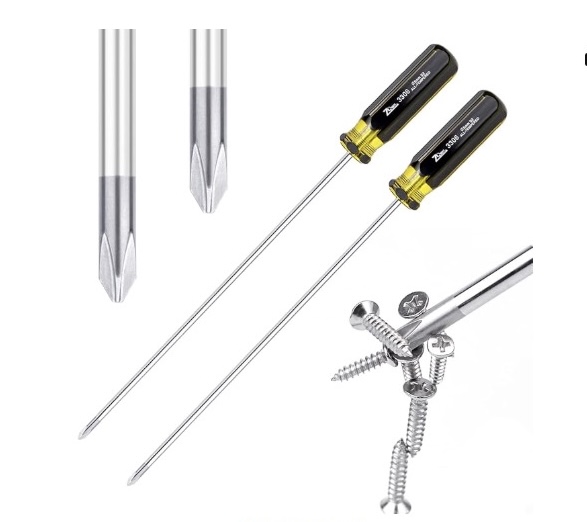
1. Long Phillips screwdriver.
This is very useful for mounting items that extend past the rack. I run into this mainly with two post racks.
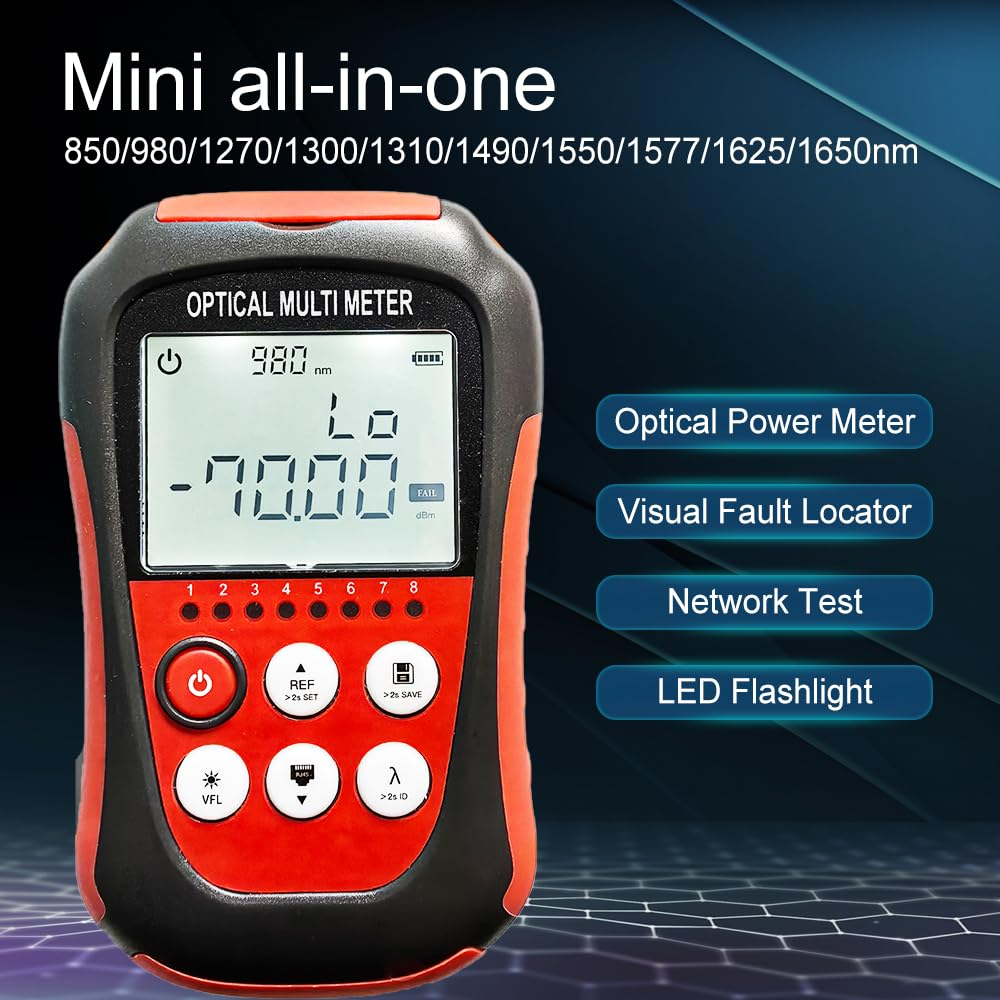
2. Fiber Optic Power Meter
Fiber Optic Power Meter
I like this one because it is small, compact and rechargable.
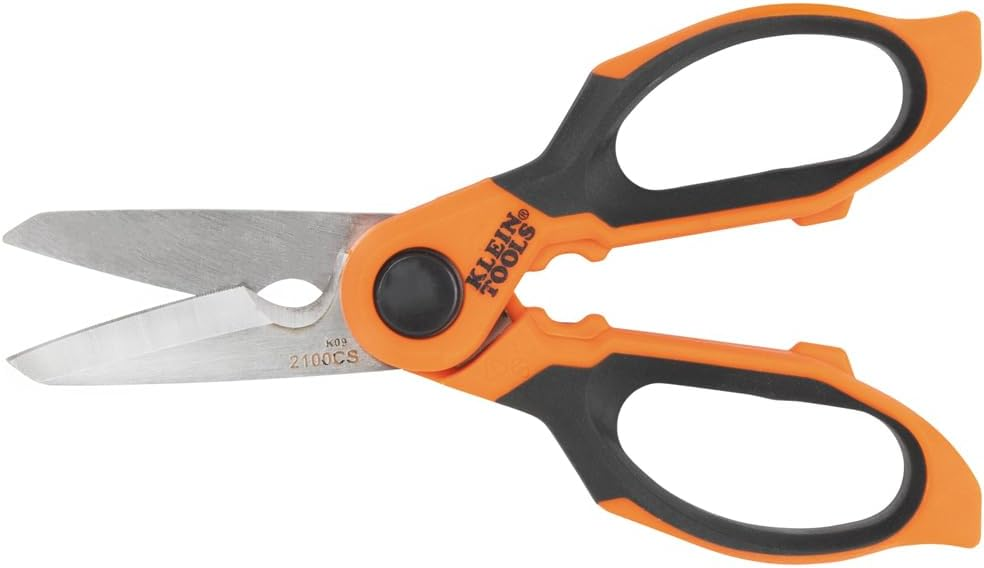
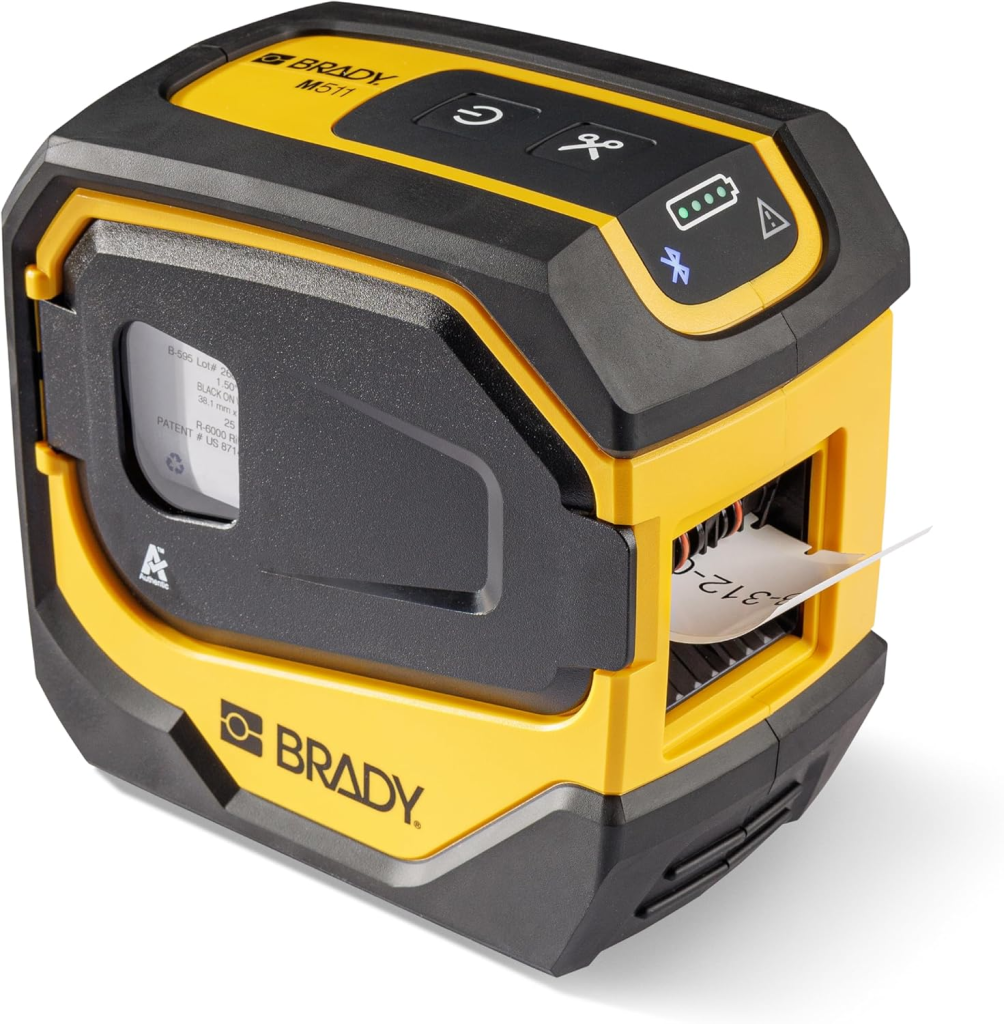
4. Label Maker.
Brady M511
I like this one for its features and small size. Make sure to have extra labels.
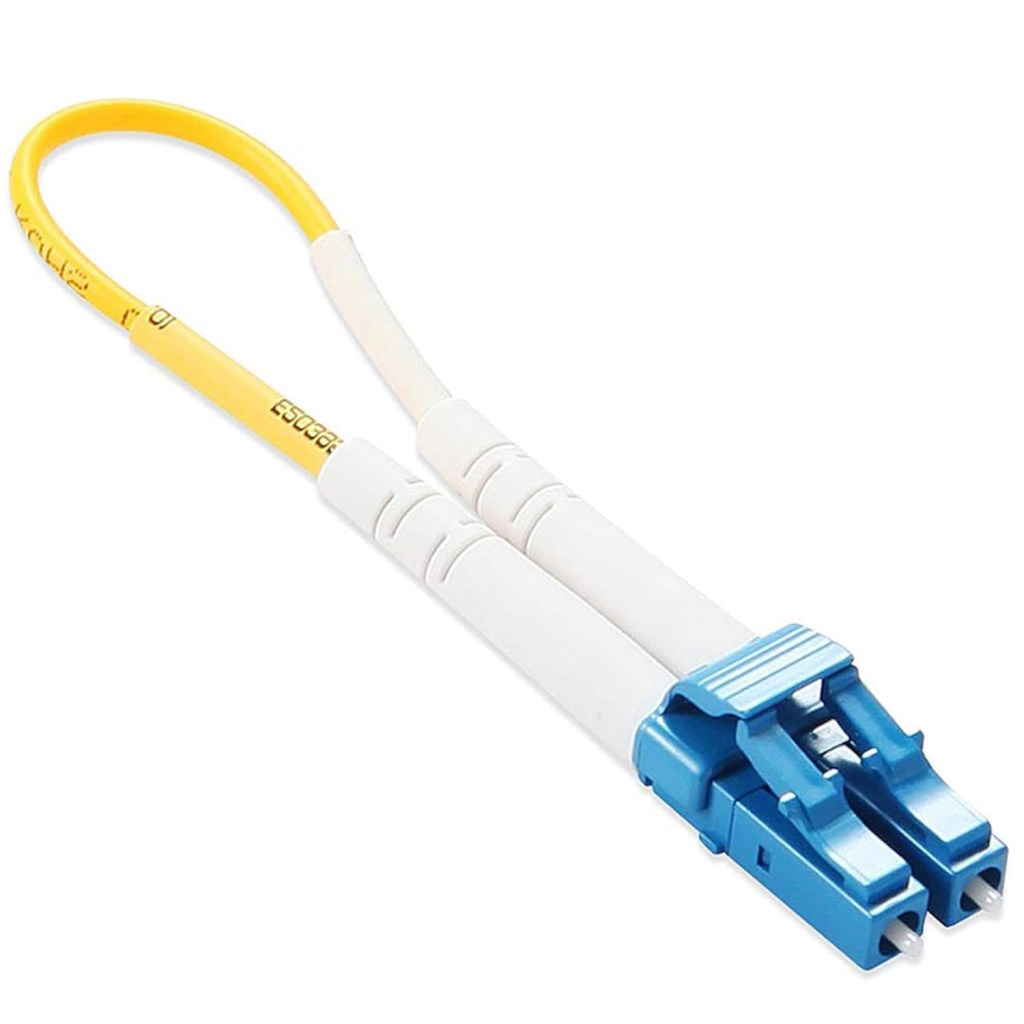
5.Loopback Fiber Cable
LC Fiber LoopBack
You can make these, but for $7, it’s worth it just to have it.
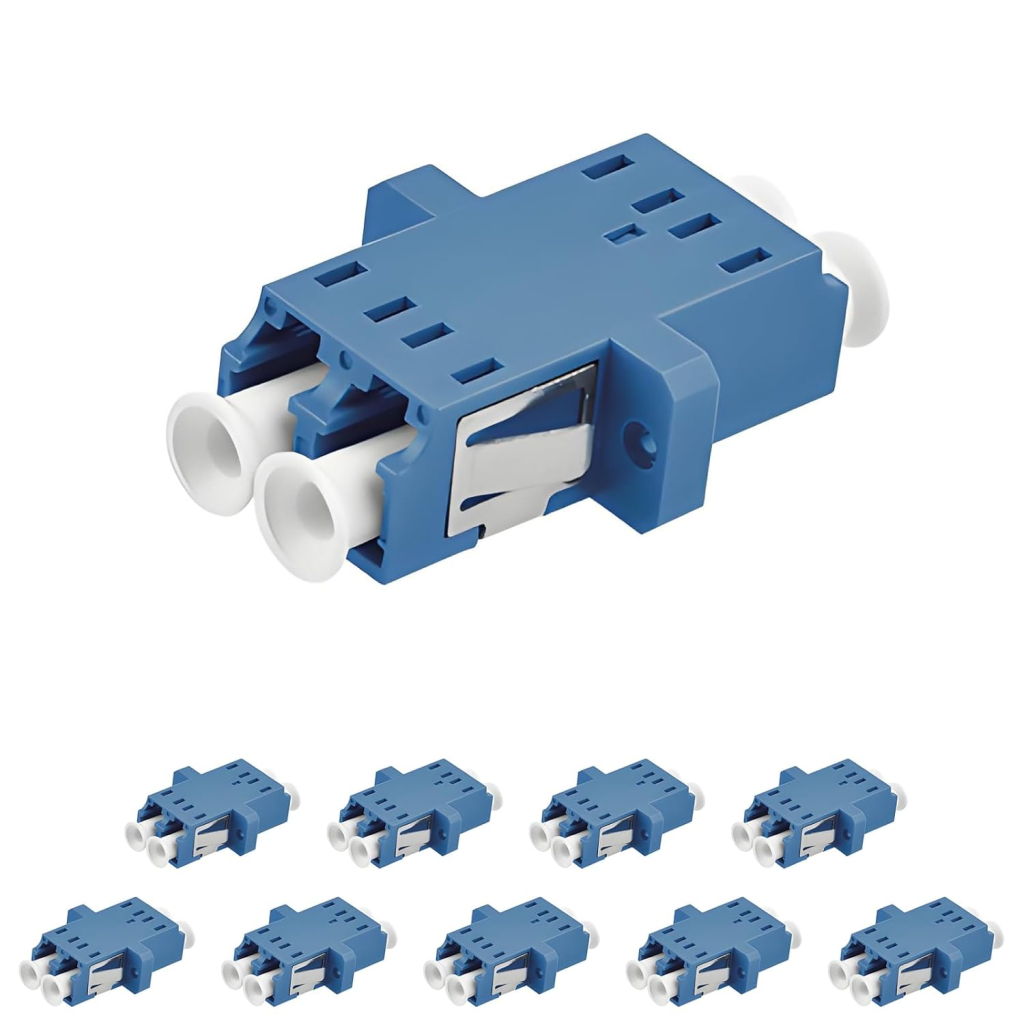
6. Mechanical Fiber Ends for extending fiber or changing gender
LC-LC Coupler
These are handy for extending cables if necessary or changing from LC-SC.
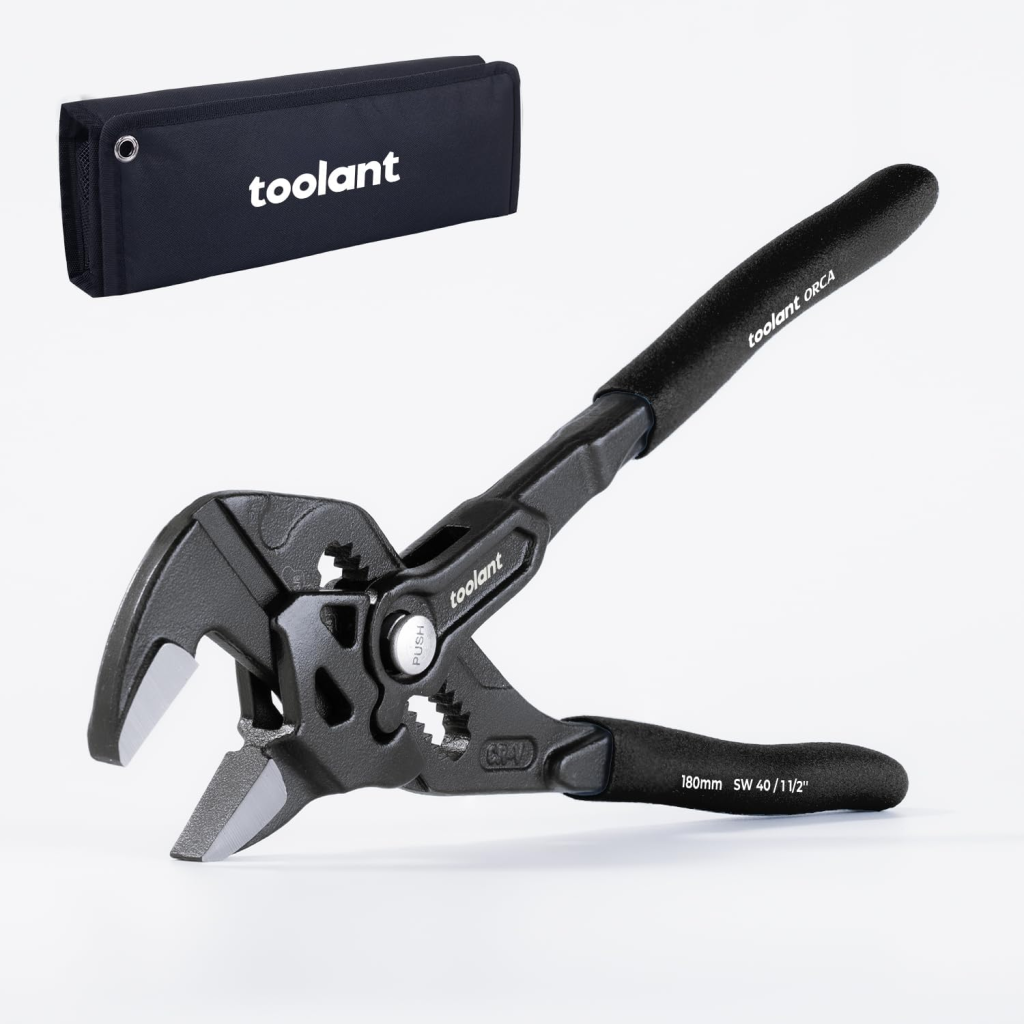
7. Adjustable Pliers
Toolant Pliers
Great for just plain gripping and pulling on stuck things.
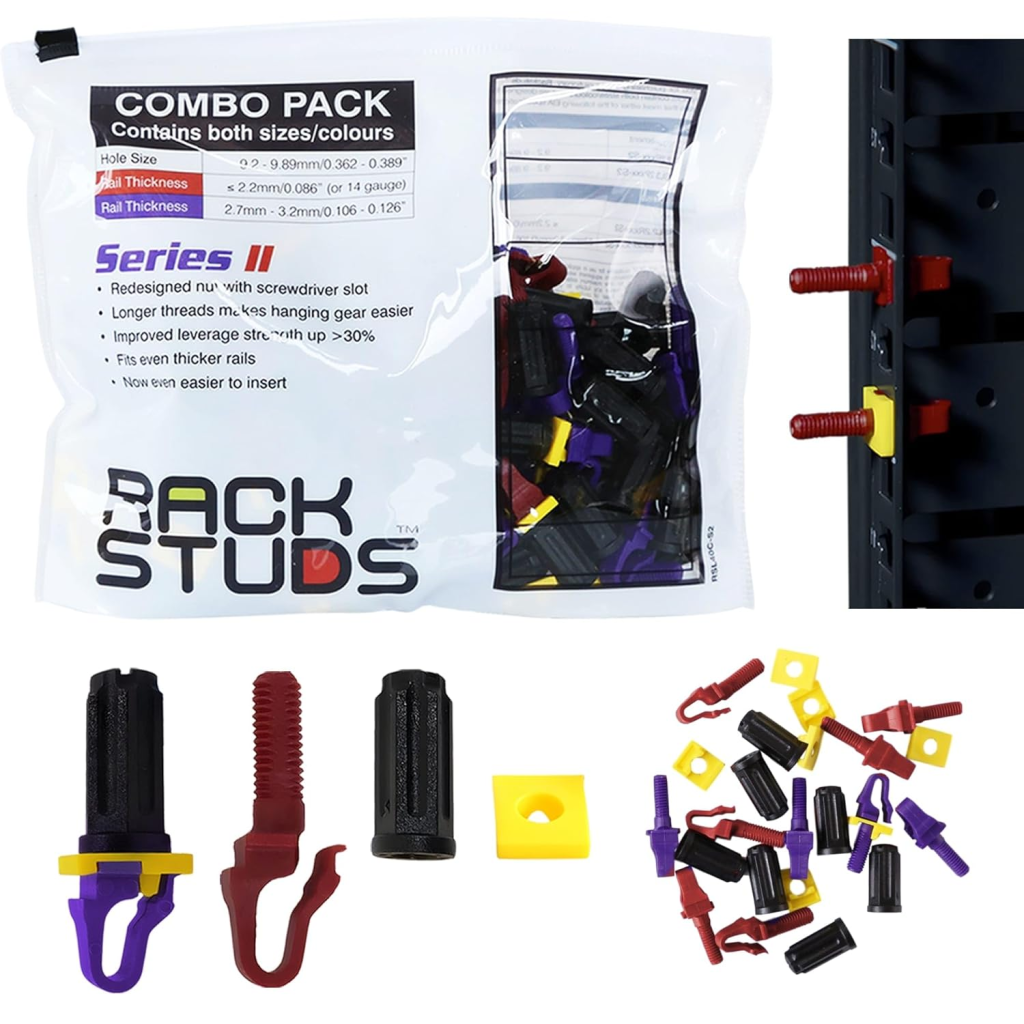
8.RackStuds Combo pack
Rackstuds Series 2
There are two sizes of square holes inb modern racks. If you don’t know what size order the combo pack. You will either use purple or red. Once you know the size for that rack order a set for the site.
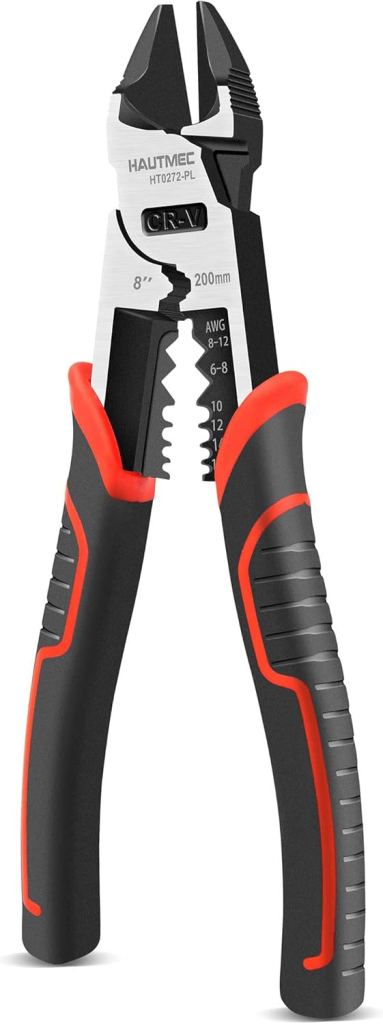
9. Side Cutters
Hautmec diagonal cutters
Make those zip ties flush and be able to trim the occasional cheap metal.
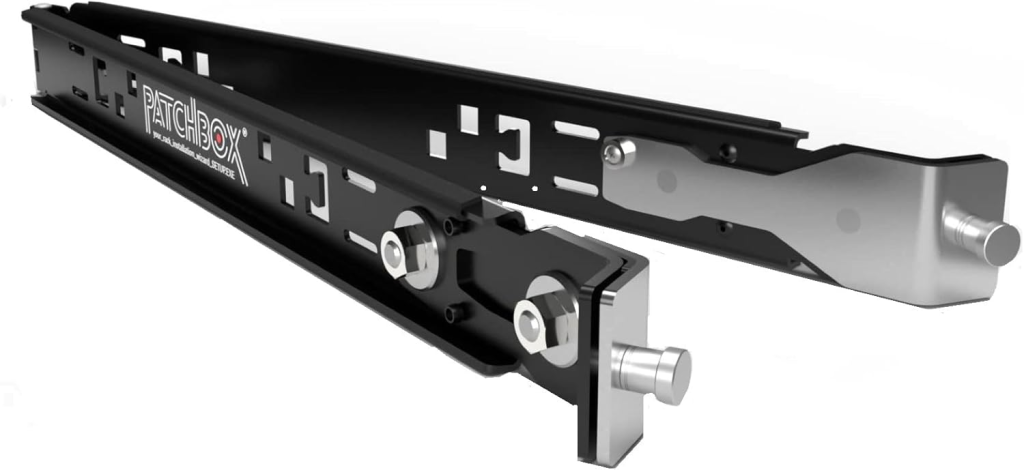
10. Setup.exe by Patchbox
PatchBox setup.exe
This is a great second hand for installing equipment. I use it a lot to set my laptop at the correct height. No more sitting on the floor or balancing my laptop on something.
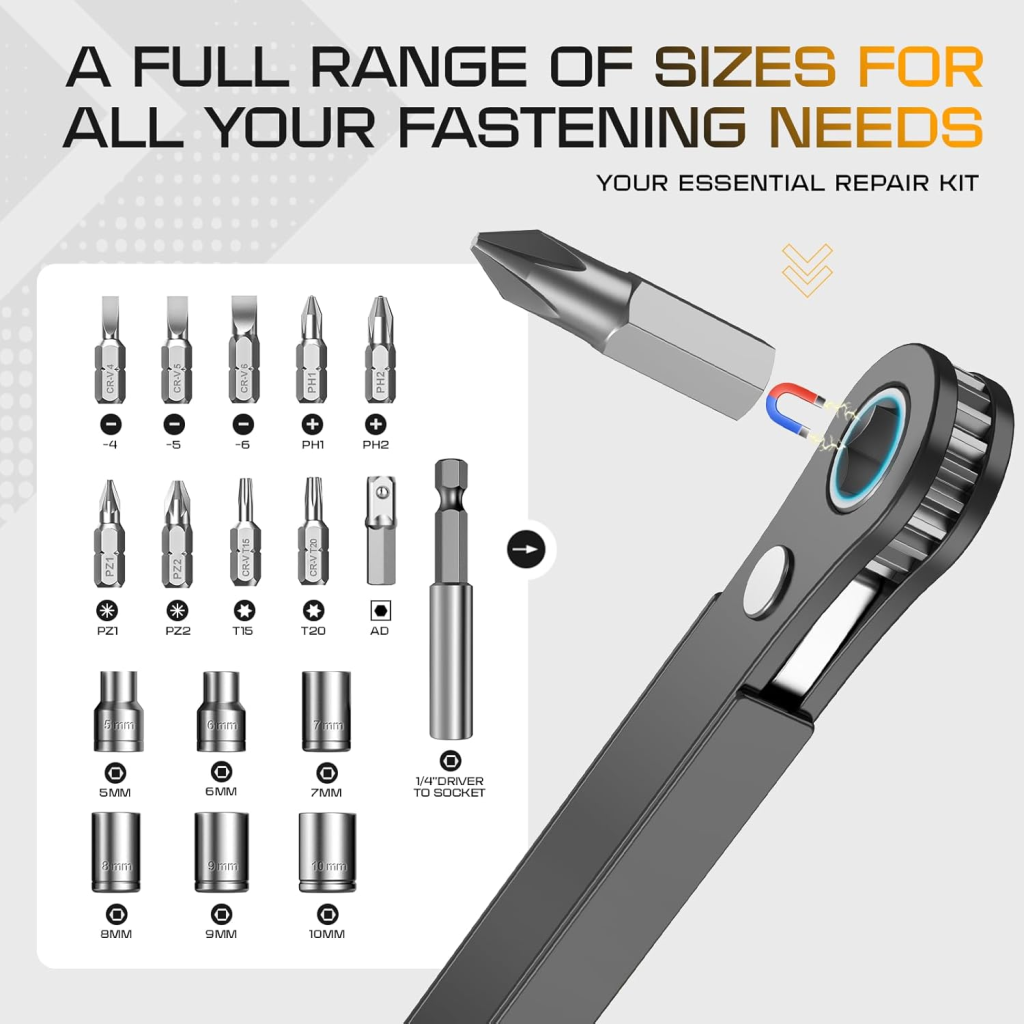
11. Right-angle driver
Right Angle Driver
For those hard-to-reach areas and equipment.

12. Tape Measure
6 Foot Tape Measure
A small tape measure for things like depth of server rails comes in handy.
Option Items which may be project Specific or left at the data center
1. Hanging Rechargeable camp Lantern
2. Cordless Drill (mainly for installs) with extra battery
3. Wall USB Charger
I did not include cabling tools because you rarely fix cables that go outside the rack in many data centers. If you are, you usually have a dedicated kit for that, which includes crimpers, splicers, etc. Pre-made cabling within the racks saves time and effort. It might not be as custom, but with the proper wire management, it will work. Another blog post, maybe?
j2networks family of siteshttps://j2sw.com
https://startawisp.info
https://indycolo.net
#packetsdownrange #routethelight
Discover more from Justin Wilson (j2sw)
Subscribe to get the latest posts sent to your email.